
How to Validate Invoices Before Sending to KSeF
A practical guide to the FA(3) e-invoice validation process. From installing the tool, through checking a single file, to automated validation in CI/CD pipelines.
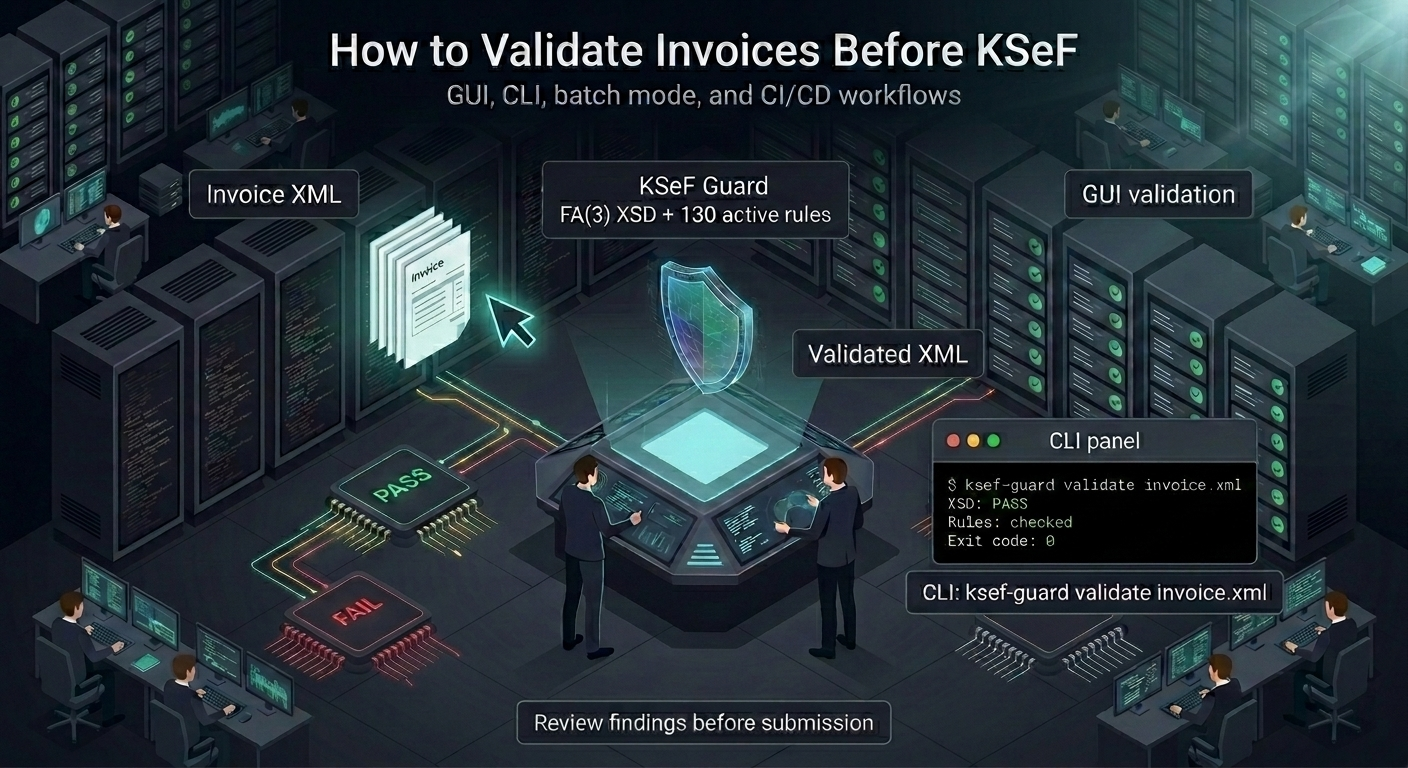
Why Validate Before Sending to KSeF
The KSeF system rejects invoices with structural errors (XSD) and selected substantive violations. A rejection means the invoice was not accepted and no KSeF number is assigned — you need to fix it and resubmit. The KSeF receipt date of the resubmission may differ from the intended issue date, which can shift the VAT settlement period.
Pre-validation eliminates this problem: you check the invoice before sending it. Errors are visible immediately, and corrections can be made before transmission. This is especially important for batch submissions, where a single invalid file can block the entire package.
Step by Step: GUI Validation
- 1 Download and install KSeF Guard
MSI installer (~30 MB) or portable ZIP (no admin required). Available at ksefguard.pl/en/download.
- 2 Drag XML files onto the application window
You can drag a single file or an entire folder. The application automatically detects XML files and starts scanning.
- 3 Review results
Each error includes: rule ID, problem description (PL + EN), fix suggestions, legal source citation, and XML source preview with the highlighted element.
- 4 Export the report
Available formats: TXT, CSV, JSON, PDF. The PDF report includes the full legal chain — you can attach it to audit documentation.
Step by Step: CLI Validation
The KSeF Guard CLI is designed for automation and CI/CD pipeline integration. Available on Windows and Linux.
# Single file
ksef-guard validate invoice.xml
# Entire folder with JSON report
ksef-guard validate --format json --output results.json ./invoices/
# PDF report
ksef-guard validate --format pdf --output report.pdf ./invoices/
# Maximum preset (all rules as errors)
ksef-guard validate --preset maximum ./invoices/
CLI Exit Codes
The CLI returns exit codes that can be used in scripts and CI/CD pipelines:
| Code | Meaning | CI Action |
|---|---|---|
| 0 | All files valid | Pipeline passes |
| 1 | Rule violations found | Pipeline blocked |
| 10 | Warnings only (no errors) | Pipeline passes (unless --warnings-as-errors) |
Full exit code reference available on the documentation page.
Most Commonly Detected Errors
- Missing P_14_*W fields (BUS-003) — foreign currency invoice without VAT amounts converted to PLN
- Arithmetic mismatches (BUS-044) — line net value does not match quantity × adjusted unit price
- Missing exchange rate (BUS-006) — foreign currency invoice without a conversion rate
- Future date (BUS-030) — issue date more than 30 days in the future
- Missing exempt-rate summary bucket (BUS-088) — “zw” (exempt) rate without P_13_7 summary bucket
KSeF Guard checks 128 active validation rules derived from the VAT Act and the Ministry of Finance brochure. Rules include source-backed evidence appropriate to each rule class — you can verify exactly why a given error is detected.
CI/CD Integration
KSeF Guard can be integrated with any CI/CD system. Here is a GitHub Actions workflow template that downloads the CLI and validates your invoices:
- name: Download ksef-guard
  run: |
    curl -fsSL -o ksef-guard.tar.gz \
      "https://www.ksefguard.pl/downloads/ksef-guard-linux-amd64.tar.gz"
    tar -xzf ksef-guard.tar.gz && chmod +x ksef-guard

- name: Validate invoices
  run: ./ksef-guard validate --format json --output results.json ./invoices/
More detailed examples (GitLab CI, YAML configuration) are available on the documentation page.
10 files/day for free • 128 rules • Validation offline